Jotform · Academy
Turning a product into a curriculum people finish
A free learning platform with courses, quizzes, badges and certification — from competitive research and information architecture to 30+ responsive screens.
Overview
Learn Jotform, earn proof.
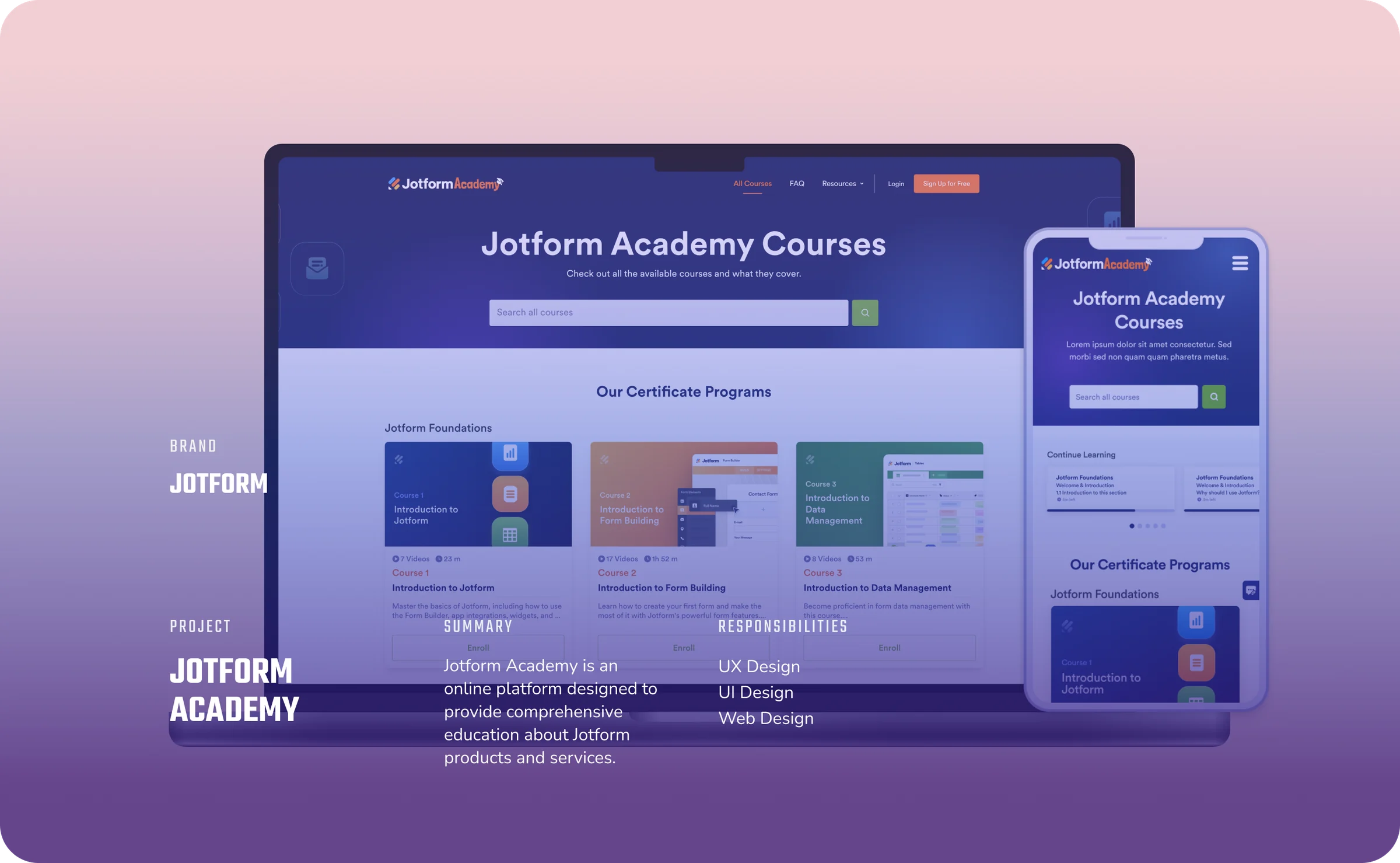
Jotform Academy is an online platform where people learn Jotform’s form-building tools through courses, badges and certification — structured from beginner to advanced, with official recognition from Jotform at the end.
Research
What the best academies get right.
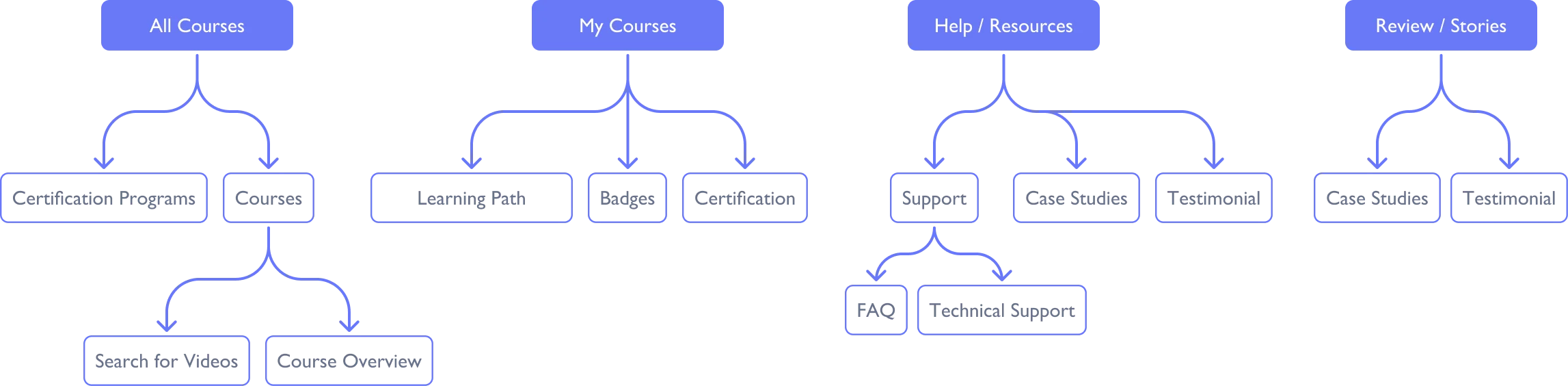
I analysed the landing pages of ten academies — Asana, DocuSign, HubSpot, monday.com, Notion and more — comparing headlines, calls to action and navigation, then ran a wider study of 15 programs’ content types, sign-up and certificate requirements, and how they categorise courses.

Hypothesis
Jotform Academy will help users learn Jotform products effectively, leading to increased usage and proficiency.
Design system
Every state, designed.
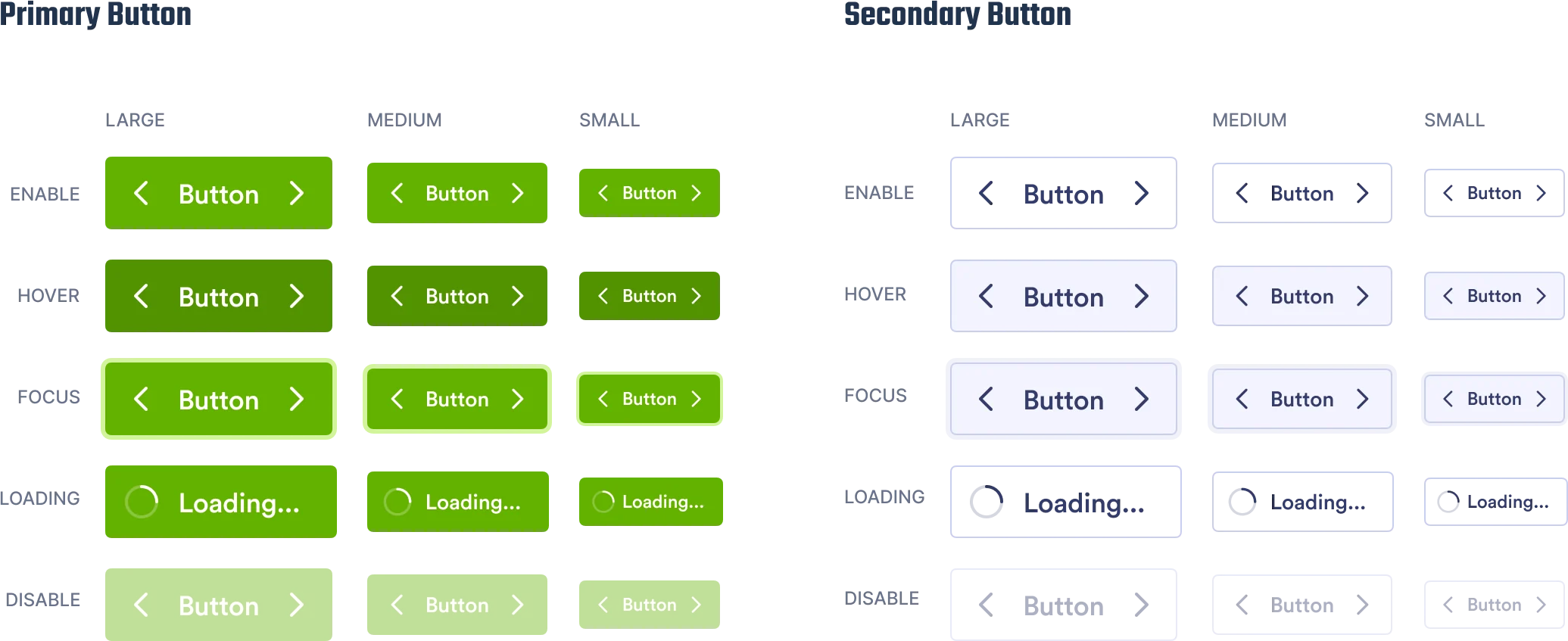
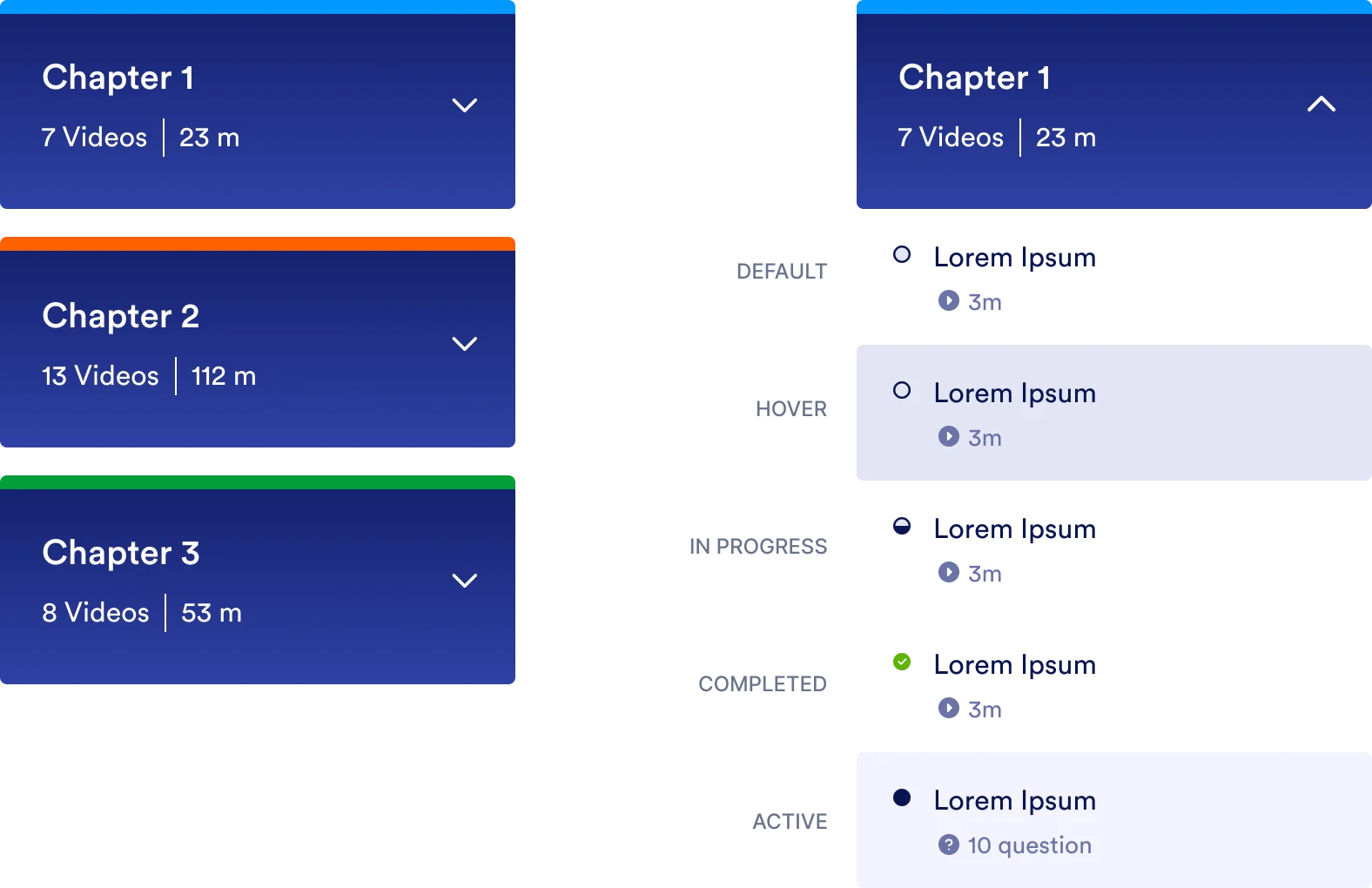
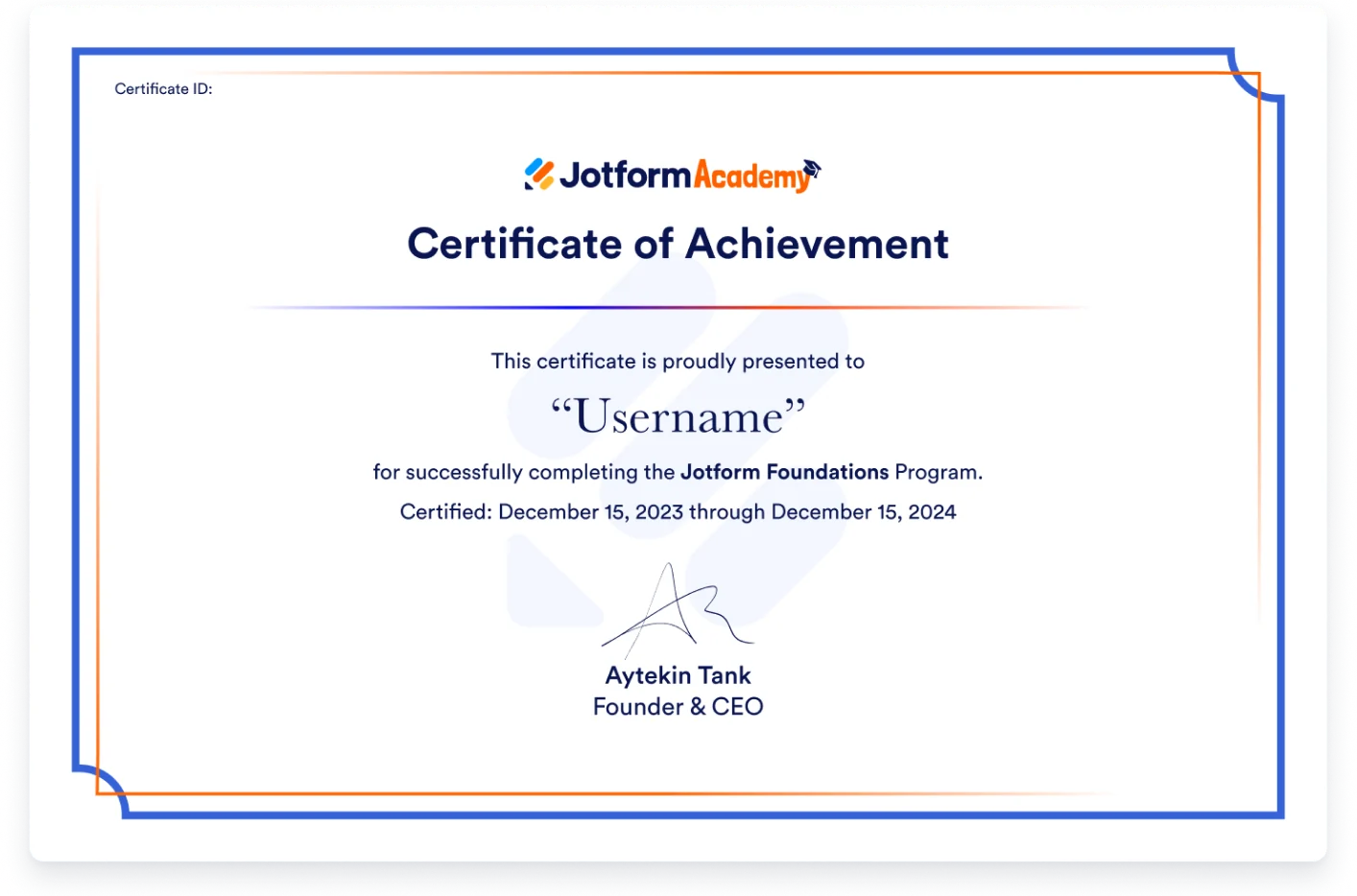
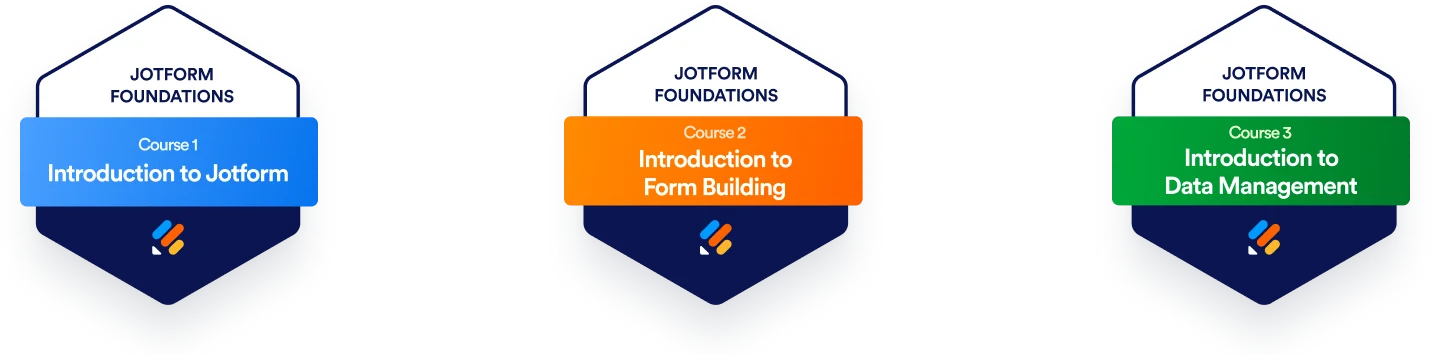
Buttons in three sizes and five states, course and lesson status, quiz outcomes for passing, failing, locked and completed, plus badges and a certificate worth sharing.

Final design
30+ screens, one calm learning journey.
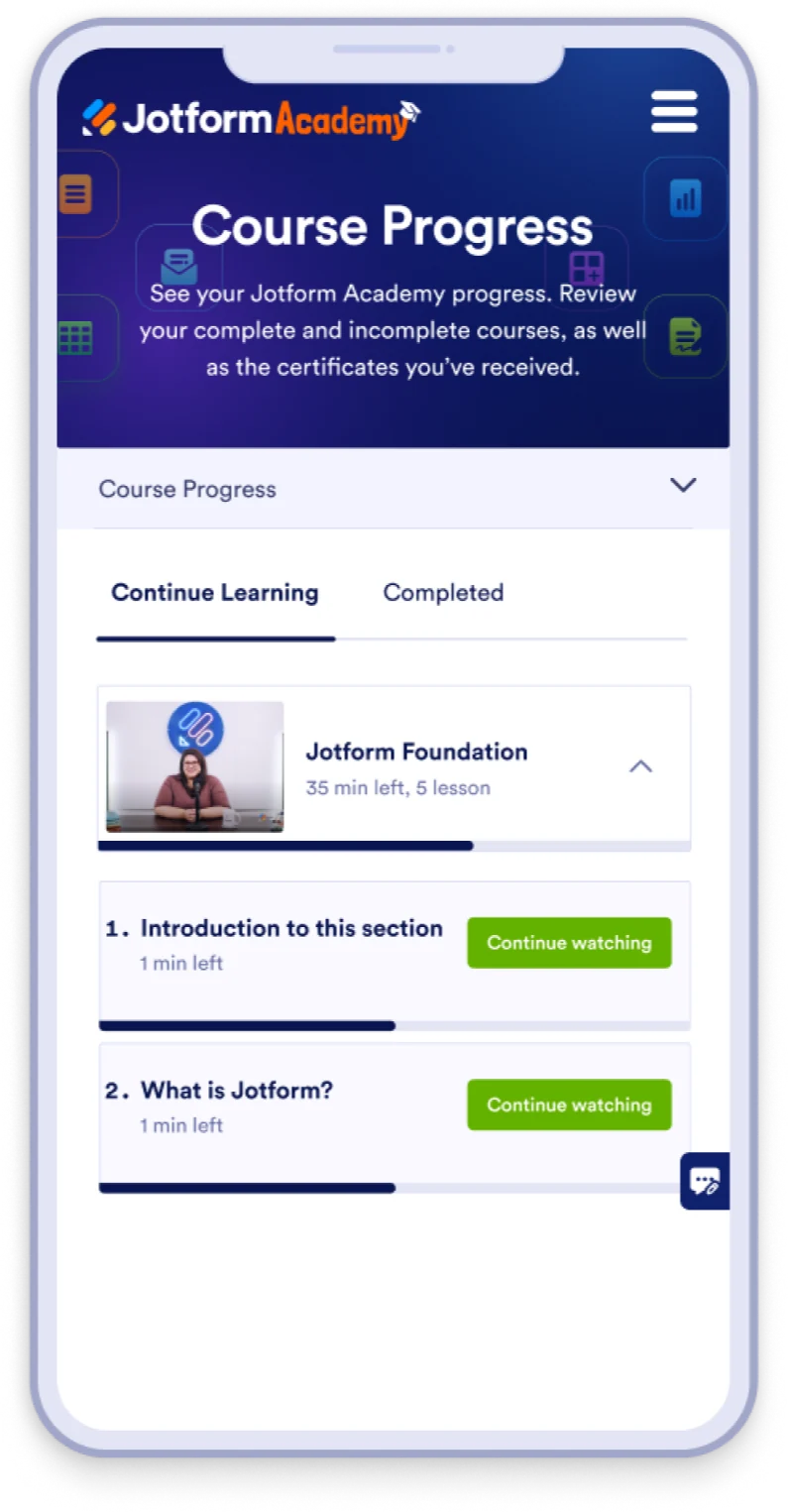
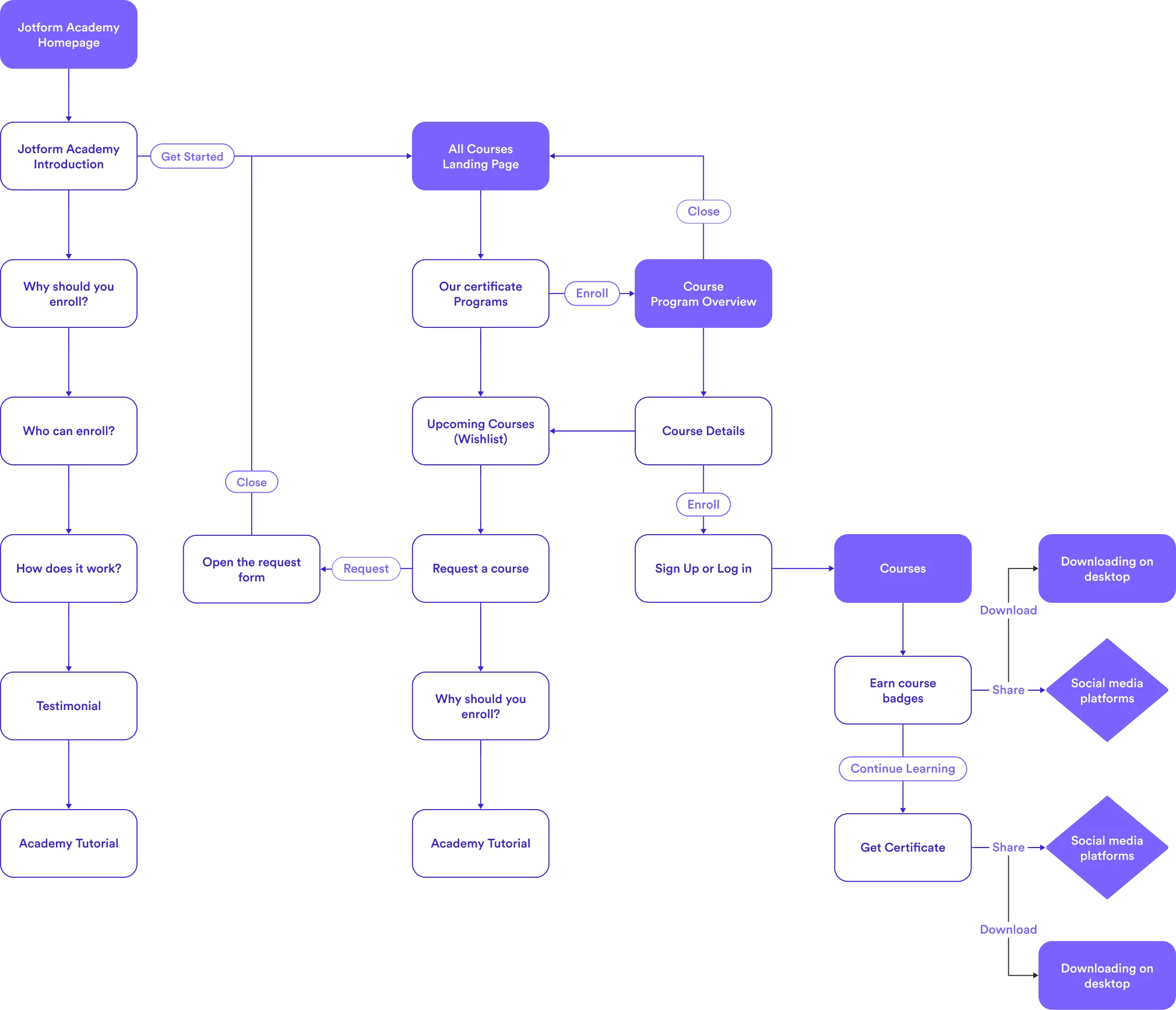
A homepage that explains who the Academy is for and how certification works, a course catalogue with continue-learning built in, a program overview, and progress tracking on desktop and mobile.


Homepage · All courses